
Set up your search strategy.
Lezione: le basi della ricerca bibliografica.
Boolean operators and other tips
BOOLEAN OPERATOR
Boolean operators are instructions that tell a search engine (whether it is Google or a database or catalogue search engine) how it must consider logically the keywords of the query. The most used are AND, OR, NOT.
They are usually capitalized but it is not strictly necessary. They are written between two terms (leaving a space before and after, as in a normal sentence) and indicate the relationship between the two words:
AND
The AND operator indicates that I want to find all documents that contain both terms. For example, if I write health AND nutrition it means that I want to find all documents that contain both words. It indicates the intersection between two sets.
Therefore it is an operator meant to narrow a search: the more terms will be linked with AND, the smaller will be the result set.
N.B .: in most cases, when I don't write anything between two words but leave only space, the AND command is automatically set by default.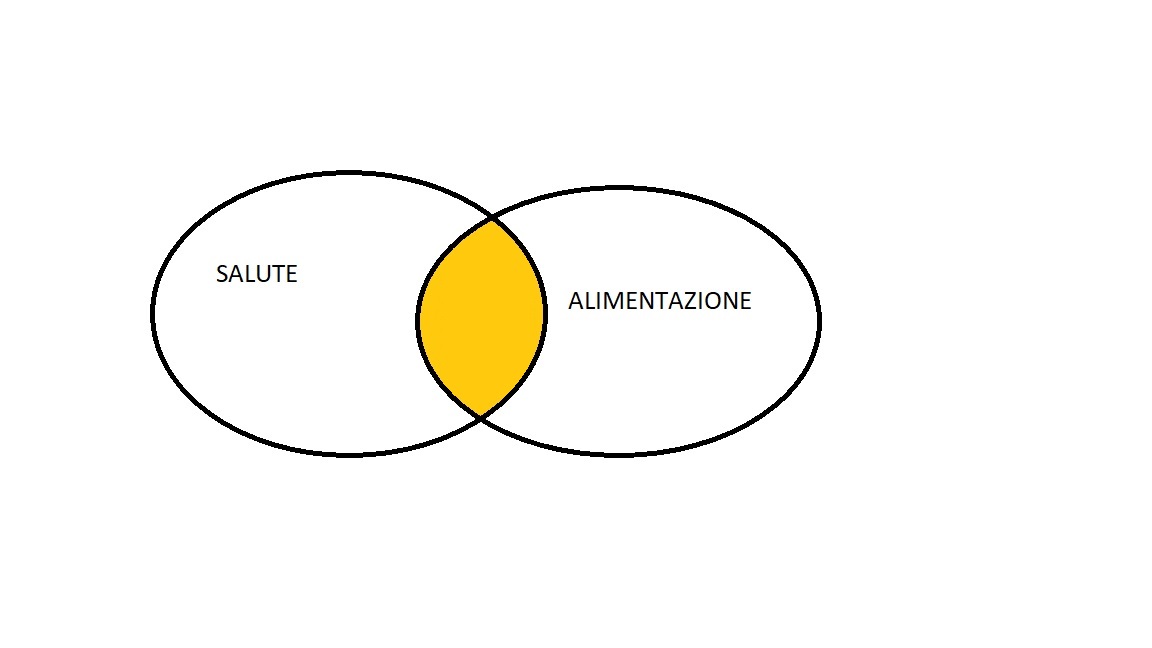
OR
The OR operator indicates that my search aims to get all documents that contain either term A or term B or both. The graphic representation is therefore the union of the whole set constituted by the documents that contain the term A and the term B. Ad. ex. I want to search for all documents that contain health or vitality or both: health OR vitality
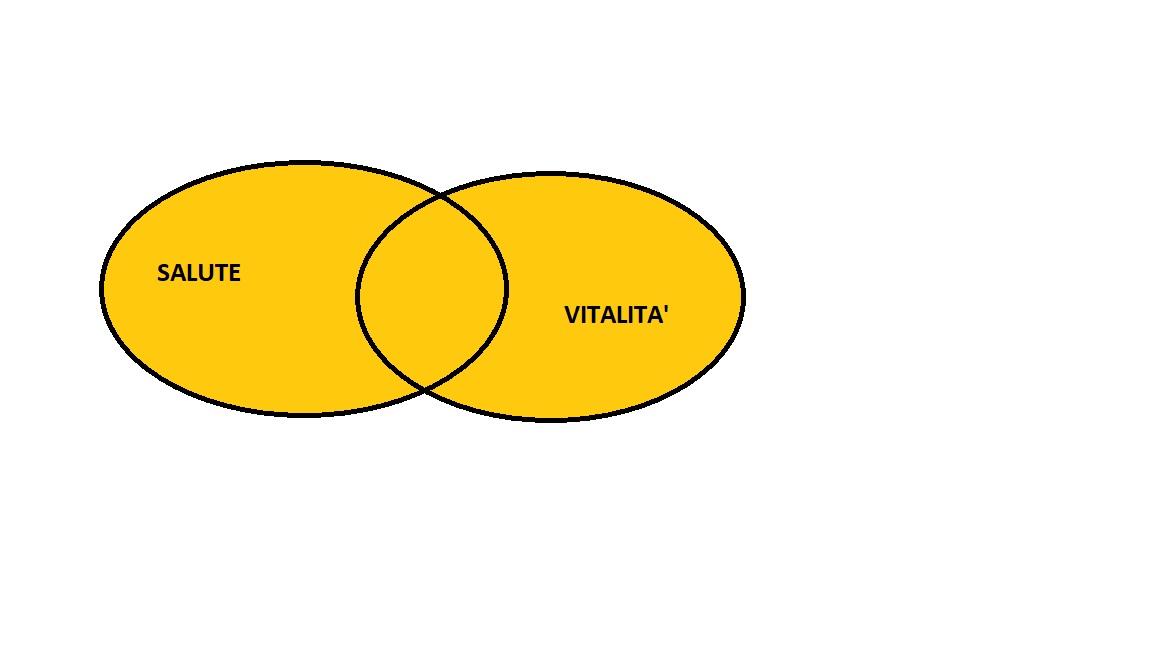
The OR command is therefore used when I want to broaden the search, eg. looking for synonyms at the same time
NOT
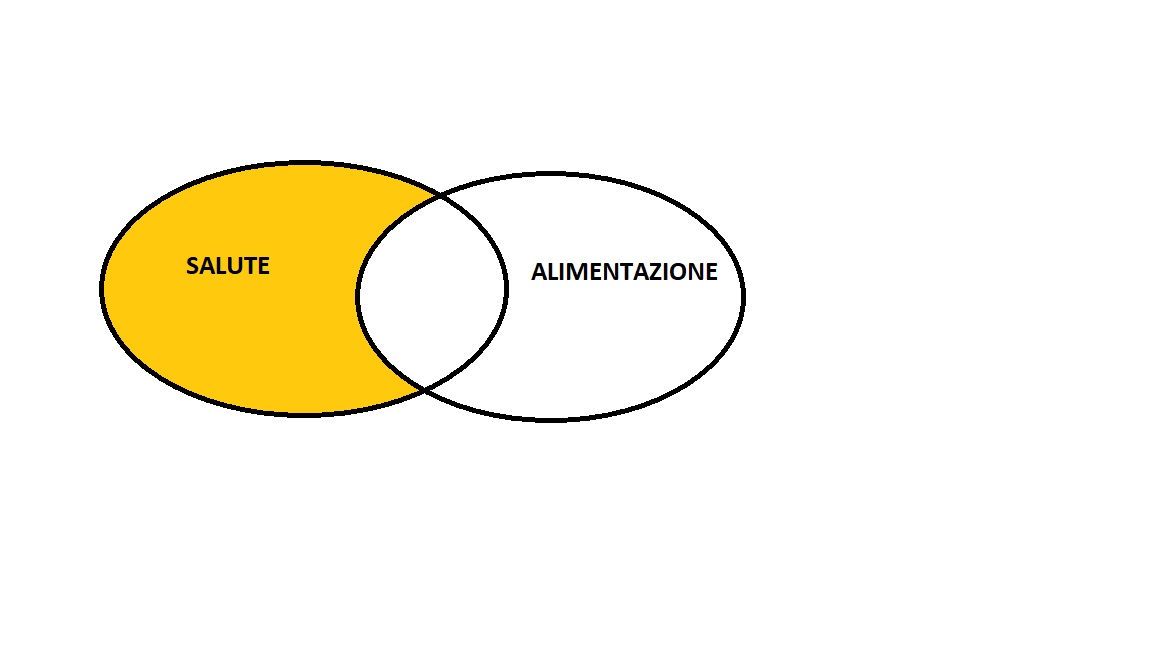
The NOT operator indicates the words that I want to exclude. Eg. if I write health NOT alimentation I want to find all the documents that contain the word health but not the word alimentation. I can use it for instance when I realize that many of the results concern an aspect of the topic that does not really interest me.
USE OF QUOTES " "
When I want to search for an exact phrase, I can put it in quotation marks " " so that I can search the words in the exact order I put them. For instance:
- If I am searching for a quote like: "We are such stuff as dreams are made on"
- if I want to search for a precise definition: "greenhouse effect".
If I didn't put the quotes I would have among the results all those documents that contain the words but in different points of the page. For example the word effect at the top of the page and greenhouse at the bottom, in an article that talks about gardens and not about climate change.
Pay attention: using quote, order and shape are frozen. For instance "Alessandro Manzoni" doesn't retrieve Manzoni Alessandro or A. Manzoni.
TRUNCATION SYMBOL *
The astersik * is one of the most useful in literature search. In fact it allows you to search in one shot a whole bunch of terms that share the same root and different endings. For instance i can write financ* to look for all the terms that start for financ: like finance, financial, financially etc.